Hexagon Measurement SystemsNo matter what Hexagon measurement equipment or software you use, we want to hear your ideas and suggestions on how we can improve.
Thanks for your assistance in helping us shape the future. |
|


 When Machine shuts off Unexpectedly - Add a Save feature (In case Machine can't be restarted)
When Machine shuts off, Currently you get 2 options, 1: OK(If machine won't turn back on it'll keep popping error up) or 2: Exit. Please Add a 3rd option to Save

Reference Dimensions - No Tolerance & Secondary Reporting Options
Two main attributes:
The ability to toggle tolerances off. (Basic and Reference dimensions)
The ability to have a second set of dimensional reporting options or several reporting profiles (Dimension Color Settings)
This helps with quality control. Right now, we either 'open' tolerance or don't report. There are instances where it is desirable to have values of basics and references with-out it hindering production mentality/reactions. Often I also output XYZ coordinates for In-Car and zero tolerance them, as the T-value is what's important/desired.

Browse Button in the “New Measurement Routine” Dialog
It would be nice to have a browse Button in the “New Measurement Routine” Dialog to create a new Routine in a Subfolder from the “Default Measurement Routine Directory”.
A lot of customers have a Folder Structure depend on their Customers, for Example:
Measurement Routines
- Volkswagen
- Audi
- BMW
Etc. Actual it’s not possible to create a new Routine in the right Folder directly. Each new Routine exists as file corpse in the “Default Measurement Routine Directory” after Save as in a Subfolder.

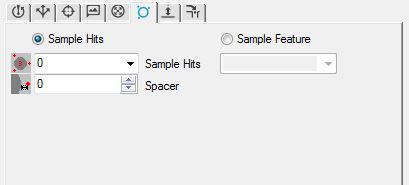
Sample Hits/Feature for Adaptive Scanning
Please add sample hits/feauture options to the adaptive scanning auto circle properties.
Bring back an old function that when viewing a report in the report window you could be taken back to that dimension in the program for editing.
this function was in older versions. quite handy when proving a program or when dimensions get updated. Way faster than the find function.

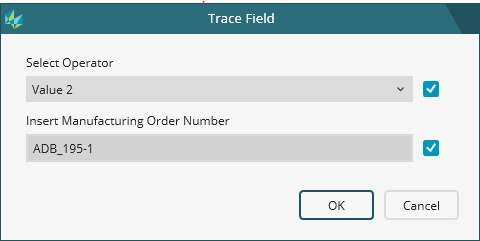
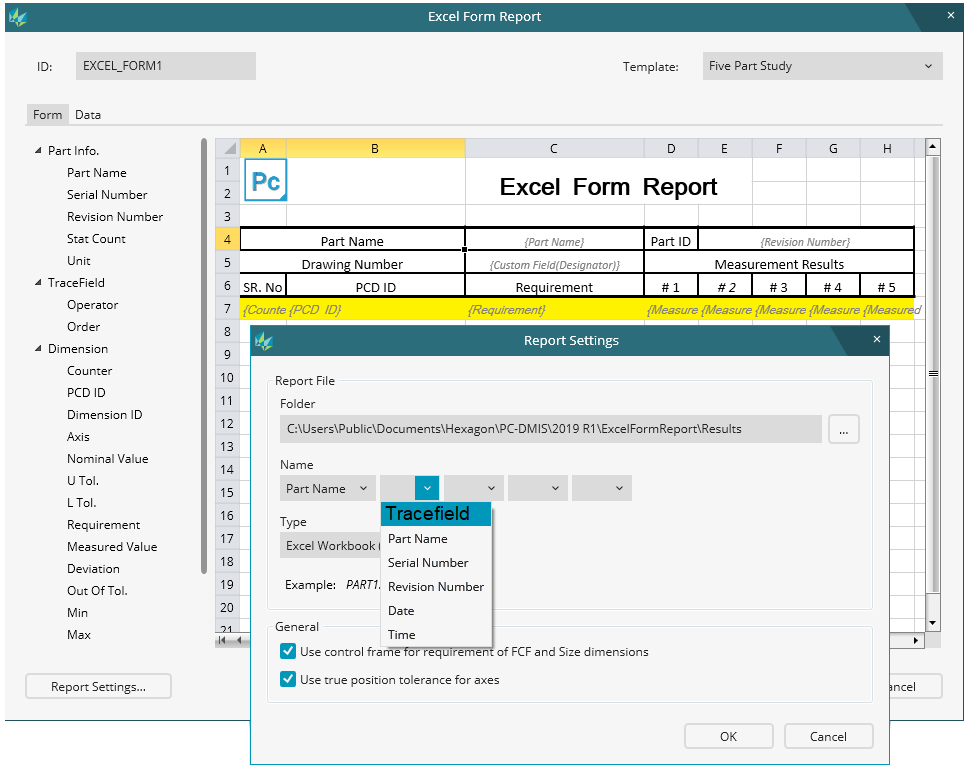
Excel form report file name
As a Pc-Dmis User i wish to be able to use various trace field's from the measuring routine in the naming of the excel form report name.

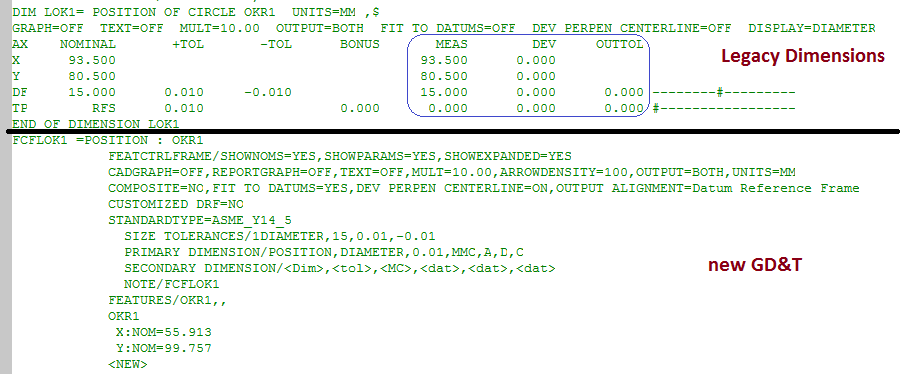
NEW GD&T preview in edit window . Make preview for new GD&T in edit window like it was for Legacy Dimensions.

report should print as text pdf (not image) so it can be copied and pasted to other applications
When you print a report as a pdf it should be rendered as text, not an image so that you can copy and past from it to other applications.

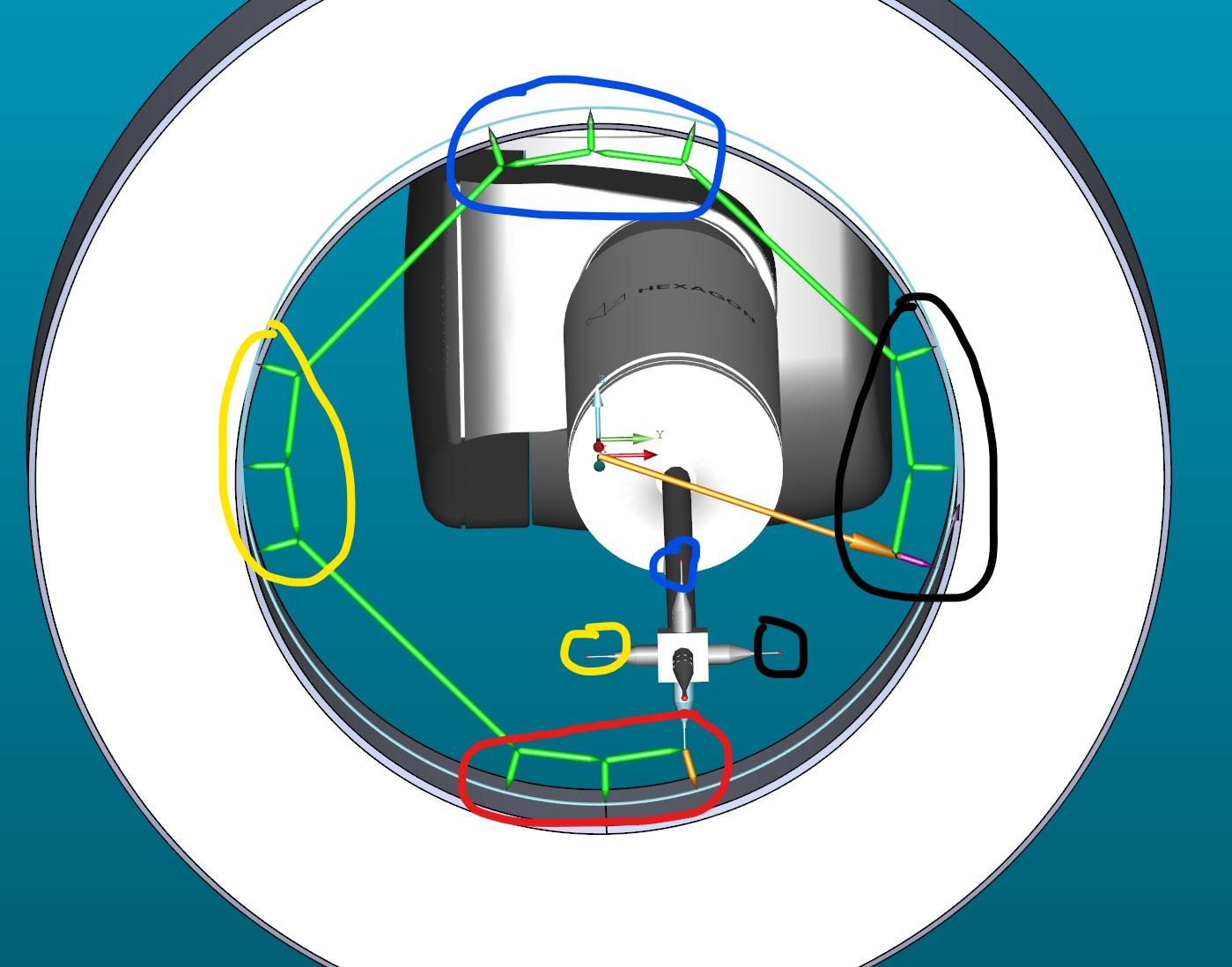
Auto Feature Circle for Star probe with 4 tips
Measuring a circle with 4 tips
auto feature circle

Availability Laser Sensor NIKON LC15Dx for PC-DMIS required
Up to now laser sensor NIKON LC15Dx is not available in PC-DMIS.
This sensor is used on LEITZ CMM with PC-DMIS as Clientsoftware via Technollogy Server.
Customer support service by UserEcho

