Hexagon Measurement SystemsNo matter what Hexagon measurement equipment or software you use, we want to hear your ideas and suggestions on how we can improve.
Thanks for your assistance in helping us shape the future. |
|


 Ability to manage all reports
If i have to measure 10 same parts, it will be great if there is ability to edit reports from 1 to 10, even if i executed program for each. For now, it's only "View last execute report mode"

Add the ability to toggle the measurement order/path of auto cylinders for shallow diameters
Currently, PCDMIS measures by "rows" following along the diameter before moving up or down the height of the cylinder once it has completed the circle at that height.
It would save a lot of time if we could toggle to measure by “columns” first, measuring up or down the length of the cylinder first before moving radially to the next part of the cylinder.
Adaptive Cylinder Line Scans measures with a very similar path on a scanning CMM.
This could drastically speed up measurement time on parts with large diameters but shallow lengths.
CMM Manager has a feature like this, and it cut 30 seconds off of the runtime of one part.

Traffic Light system for Programs - Proven - Unproven/Rev change - Quarantined
Hi Could a traffic light system be implemented to see what level a program is at. currently I would just do this through naming convention of the program but this could end up me having multiple programs that aren't necessary.
Green - Proven, Up-to current revision
Amber - Un-Proven / Revision Change needed
Red - Unproven Program / Quarantined
Fixture Builder turn off on snapshot when not showing in graphic display window

Dark Mode Enhancment
Dark Mode already exists in the software but really deserves to be expanded on. Currently just the home page and the GD&T menus are affected with dark mode. Dark mode should change the whole UI.

I like to get the actual selected and executed Miniroutine(s) by automation
I like to get the actual selected and executed Miniroutine(s) by automation. A function like GetActiveMiniRoutine() on Part level can be a solution.

Vision - Possibility to use live view like a projector by using 2D dxf Contour shown in Live Image
When measuring with the optics, it should be possible to superimpose an overlay on the live image.
Similar to a wireframe model or a DXF contour, the lines of the nominal geometries should lie over the camera image.
This allows the operator to visually compare the actual and nominal contours, just like with a projector. Furthermore, the customer wishes to carry out manual measurements in the live view between the nominal and actual contour. Such as distances, angles etc.

Have PC-DMIS save mid program automatically
When running larger programs in PC-DMIS on my computer, if I have any kind of error the software usually freezes then closes on me. Would it be possible to have the software save periodically in the background while its running. Right now I stop the program 3-5 times to save it so if it crashes I dont have to start from the beginning.

Why you don´t have a way or option to save a New file choosing by us a other folder?
Good Morning,
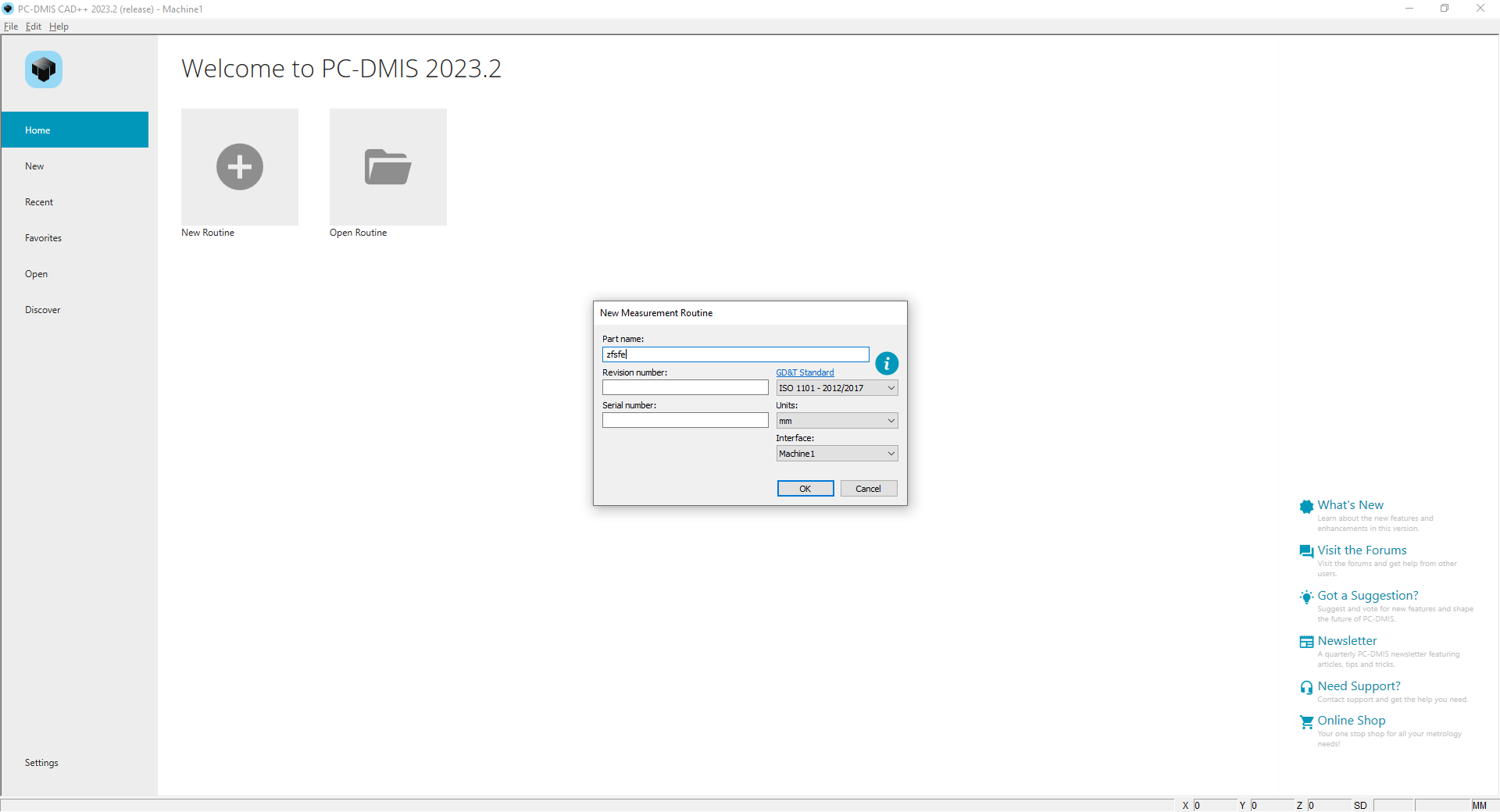
In the home page when I create a new file, I can not save my new file routine on a folder choosing by me.
Beacause I think there is a default folder already defined by PC-DMIS, but it is a folder that is located in an APPdata folder. This means we have to copy to the folder we want.
Can you do an improvement so that I can choose a folder to save my file?
Best Regards

autocalibrate probes within a single routine based on last calibrated date
I'm looking to have an auto calibrate command for all probes/tips within a single routine that have been calibrated outside a specified range. With this, it would also be nice to have a way to see all used probes and tips within the routine without having to go into each probe individually and select mark used. Currently we calibrate probes by opening each probe (F9), selecting mark used and looking at the calibration dates/times. If it has been outside of 24 hours we typically calibrate only the necessary tips. I'd like a way to do this automatically, and to be able to use this command from a form.
Thanks
Kundesupport af UserEcho

