Hexagon Measurement SystemsNo matter what Hexagon measurement equipment or software you use, we want to hear your ideas and suggestions on how we can improve.
Thanks for your assistance in helping us shape the future. |
|
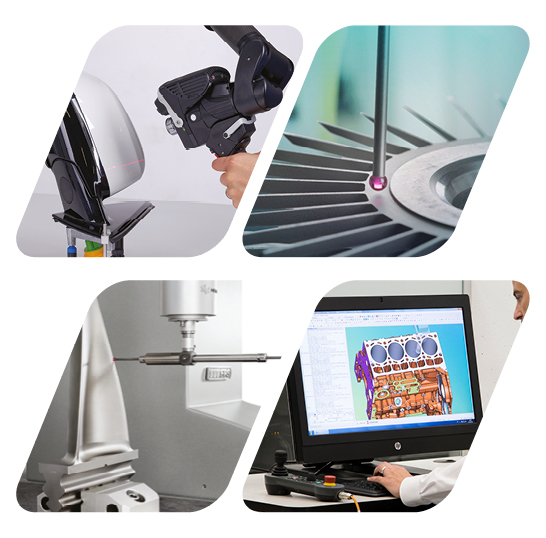

 Collision List Improvement
After Collision Detection has been run have only the Feature ID's on the Collision List appear on the Graphics Display Window. This will cut down the amount of searching for a feature that occurs.
Better yet, have collision detection automatically run as you offline program.

Scan segment construction from CAD surface
Instead of clicking start/end points for a scan segment to construct a feature, I would like to be able to click a CAD surface so that all hits that cross that surface are included in the feature construction

Recalculate actual values of measurements after probe qualification
PC-DMIS ability to recalculate actual values of current measured values in case of probe re-qualification, i. e. when using a probe angle that wasn't qualified a long time ago and it was used in a routine that takes a long time to run.

Probe Options
I want to be able to calibrate probes and assign probes to the probe change rack within the Inspect Interface. I want to be able to manage probe calibrations for each program so that when I click on a measurement routine a button becomes available to calibrate all probes and angles for the associated program. Then there would be an option to manage the probe rack if needed; to assign the specific probes in the routine to the probe rack slots if not already assigned.
Search Routine Directory Subfolders within Side Bar
I want to be able to navigate within the sidebar area to inspection routines located within subfolders of the specified directory. I understand that I can go into the settings folder and call up a specific folder but it would be nice to be able to navigate the file directory within the side bar area, like Windows Explorer.

Allow configuring of the PC-DMIS version to start instead of relying on "last version run as admin"
In many situations it would be better to explicitly tell INSPECT which version of PC-DMIS to run, instead of relying on the "last version that was run as administrator".

HOW CAN I LOCK FEATURES ON PROVEN PROGRAMS?
IT HAPPENED TO ONE OF MY PROVEN PROGRAMS THAT ONE AUTO FEATURE MOVED TO A NEW LOCATION BY ITSELF SOMEHOW. IT DID BREAK TIPS. WE SHOULD PREVENT IT FROM HAPPEN TO MAKE SURE PROVEN PROGRAMS ARE SAFE TO RUN.

Min Max point number matching
If the point numbers in the min/max list matched the actual feature point number then I wouldn't have to rely on the low screen resolution on graphical analysis to find where the min/max locations are.

Point Auto Trigger Cylinder length control.
Currently, Point Auto Trigger only allows for a radius to be set. This creates a cylinder that has no ends and allows for points to be taken anywhere inside the diameter created...even if its 1000mm away from the target. Often times the point is taken on the wrong side of the part by the operator... Please add a control for the max distance from the surface similar to that used for laser scanner features.
Hover Over info
Help files attached to the icons. Hover over the icon and get a pop up (help?)that links you to the help files associated to the icon.
Customer support service by UserEcho