Hexagon Measurement SystemsNo matter what Hexagon measurement equipment or software you use, we want to hear your ideas and suggestions on how we can improve.
Thanks for your assistance in helping us shape the future. |
|


 Button for non-calibrated angles
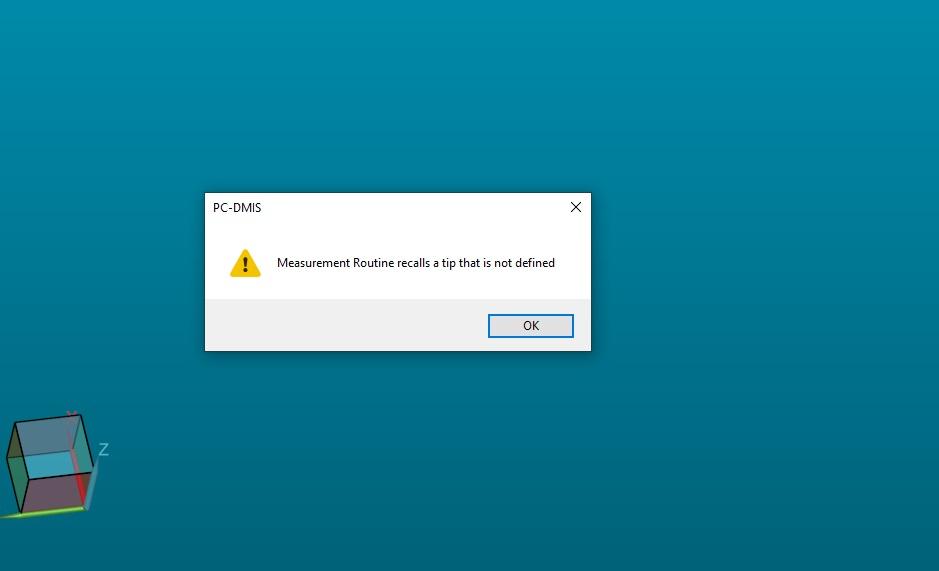
My machine has a tool charger that has eight tools. When I start the program from the server, the program tells me that I have some angles that are not calibrated. I then have to manually search the program and calibrate tool by tool. After that I have to exit the program
and to enter again to make sure that I have calibrated all the angles. It is necessary to put a button that, with one click, will mark those in the head that are not calibrated without exiting the program.

Hole or no hole
Sometimes, I like to check if there is a hole at the right spot, not its coordinates.
or when the left part has a hole, and the right part doesn't.
So could You make a function, that "dives" into a hole, with a depth that I type in, and move to the avoidance distance, before it continues with the next feature?
Ability to manage speed of simulation
I would be so handy if the speed of simulation in off-line mode is manageble over a slide by mouse or by arrow up / down buttons. So I can high-speed trough for example a multi-hole pattern.

Be able to see the coordinates of the mouse pointer
When I have used the scanner, I would like to see the coordinates of the pointer.
If I could, after defining the koordinatsystem, it would be very easy to check some dimensions just by hovering the pointer abow the cloud.

Adding a + sign to constructed features to see the points that create circles, cylinders and cones...etc..
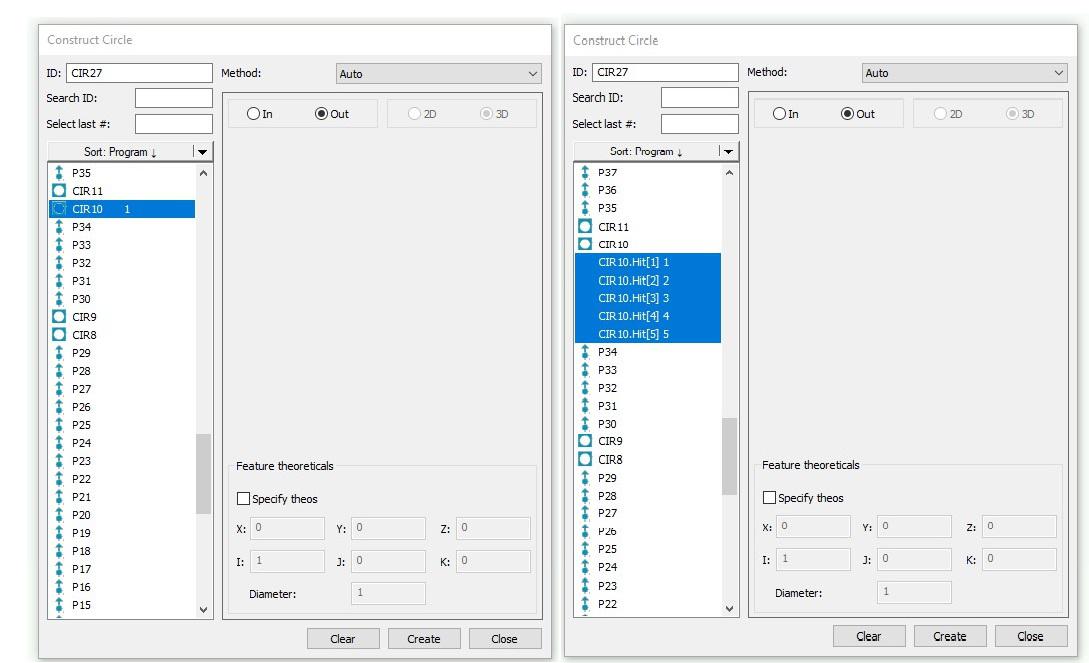
I'd like to see an option to pull the points out of a circle without having to click on the cad to do so. When i am inside my constructed feature, i wish i could just click the circle and maybe a plus sign next to it so i can get a drop down of what auto points were used to create the circle.

I would like to see a que area that you can drop multiple cmm programs into and run those programs in the that order.

Copy/Paste Parameters with option what to paste
When you Copy/Paste Parameters it will copy the whole set of parameters.
When you have let's say 100 holes which all have a different Sample Feature, and you want to change the Depth with Copy/Paste Parameters, ity will change everything, so also the Sample Feature.
So now I have to choose to manual change all Depth or manual change all Sample Feature.
Is it possible to have the option to select what parameters you want to paste?
With a popup menu or something like that?

Import new cad (step) use current program
I have a new REV and I want to Import the newest CAD (STEP FILE) and use the same program I've already written. Can anyone advise? Thank you.

create assemblies with mating parts instead of coordinates
By using CAD models, mate parts together the way Solidworks does. It has the ability to click mating center points to lock the XY and the click two mating faces to lock the Z. This would make it easier instead of inputting a XYZ coordinate move.

Adding the per unit flatness to a variable assignment.
This would help users with legacy dimensioning to capture the Per Unit answer and send to stats.
Customer support service by UserEcho

