Hexagon Measurement      Systems

No matter what Hexagon measurement equipment or software you use, we want to hear your ideas and suggestions on how we can improve.

  • Your feedback and voting will benefit the majority of users.
  • You have 10 votes which you can allocate to your own or other users ideas.
  • We will focus on trying to realize the top voted items in our future products.

Thanks for your assistance in helping us shape the future.

+3

hotkey for find and replace

louisd 9 år siden i Metrology Software / PC-DMIS opdateret af neil kay 6 år siden 3

ALT+F3 is the find Hotkey, how about a hotkey for Find and Replace?

+3

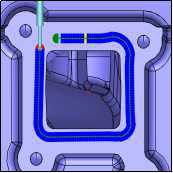
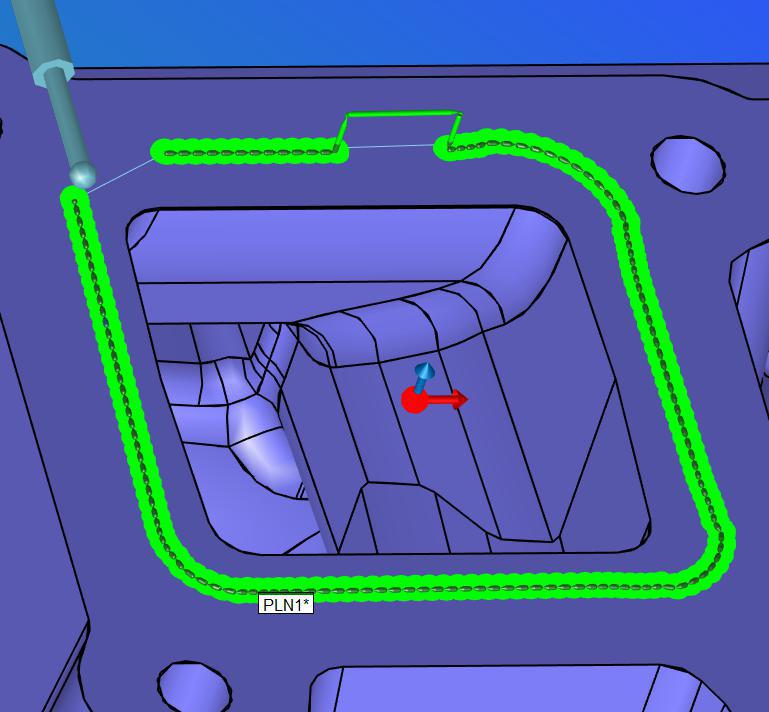
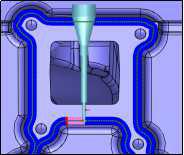
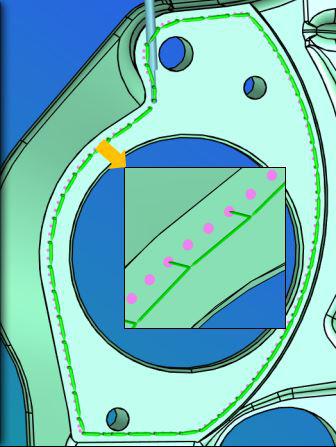
Using the Adaptive Scan Strategy to improve scanning speed!

Montage Zhang 9 år siden i Metrology Software / PC-DMIS opdateret af neil kay 6 år siden 1

Image 18

Image 17

Image 19

Image 20

+3

Simulation Speed - able to change it during the simulation

wayne branton 9 år siden i Metrology Software / PC-DMIS opdateret af Neil Challinor 7 måneder siden 1

It would be nice to vary the simulation speed during offline program by either using the keyboard arrow keys or the speed setting on the jogbox - that way you can slow it down or speed it up on the fly only when you need it to without having to invoke the speed change thru a menu, etc.

+3

Add formulas to all Text boxes (with Assignments)

JVP 10 år siden i Metrology Software / PC-DMIS opdateret af neil kay 6 år siden 2

Make X/Y/Z/I/J/K/Dia/etc have the ability to accept and recognize formulas (and variables/Assignments). After entering the formula it should stay active/visible for easy editing in the future.

+3

Change the generic feature creation to include a drop down selection of previously measured features

banjopkr61 10 år siden i Metrology Software / PC-DMIS opdateret af neil kay 6 år siden 0

Change the generic feature creation to include a drop down selection of previously measured features such that you could select PLN1.TX - Cir2.TY - Line3.TZ and PLN1.X - CIR2.Y - Line3.Z to populate the new generic feature as you create it.

+3

Error messages should begin with a distinct identifying alpha-numeric code to provide a simpler means of referencing them. Otherwise, some errors messages have similar text and can be confused.

Chuck 10 år siden i Metrology Software / PC-DMIS opdateret af neil kay 6 år siden 0

Error messages should begin with a distinct identifying alpha-numeric code to provide a simpler means of referencing them. Otherwise, some errors messages have similar text and can be confused.

+2

Vision - I would like a switch to save ALL images captured by the camera during a program run

natanderson 2 måneder siden i Metrology Software / PC-DMIS 0

In PCDMIS-Vision I would like a switch on/off setting to generate all images captured by the camera during a program run including the display of the measured points. This raw vision data would be extremely useful for root cause analysis.

It would be similar to the existing Diagnostics tool but available in run mode and not requiring to be turned on for each feature. Vision images tell the story of the measurement and are invaluable for troubleshooting and to support cross-sites communication.

+2

Separate PCDMIS installation and license requirement. This is not suitable for enterprise roll-out. License details could be a requirement at runtime.

Mike Donnan 2 måneder siden i Metrology Software / PC-DMIS 0

Current installation mechanism requires local login to PC.

This is time consuming and prevents parallel deployment.

Silent installation is documented... but still requires license and local login ?

+2

A possibility to Add "Tolerances" to colors (RGB) like in Hexagon VISI or maybe in a simpler way

Ruben 4 måneder siden i Metrology Software / PC-DMIS 0

We work more and more with colors and PMI`s to reduce drawings to a minimum.

At the moment we are at the point, that we can handle RGB colors in our CAD, in the CAM and in the Viewer.

But in our quality department is it not possbile to work with colors in a fast way, because PC-DMIS shows only RGB codes of the Surfaces (Information Surface)


We would wish a to have a possibility to see a tolerance for every RGB color like in Hexagon VISI.

In our business field all companys work already with the similar color code. (Meusburger, VISI, Hasco, VDWF, ....)


Than you don`t need so much time to add PMI`s, because the colors are so much faster and you understand in few seconds the parts and what you have to measure.


Example how you can at the moment see the color in PC-DMIS, but no Tolerance:

Image 675


This is how you can see it in Hexagon Visi:

Image 678


Image 679


+2

Fixture Builder turn off on snapshot when not showing in graphic display window

Fin 5 måneder siden i Metrology Software / PC-DMIS opdateret af Adam_hasnt_a_clue 5 måneder siden 1

Kundesupport af UserEcho