Hexagon Measurement SystemsNo matter what Hexagon measurement equipment or software you use, we want to hear your ideas and suggestions on how we can improve.
Thanks for your assistance in helping us shape the future. |
|


 editing location of dialog boxes
Allow editing location of dialog boxes from within PCDMIS rather than only from the settings editor. Or at least make a button to bring them to center of screen. EX: operator moved the execution dialog box off the screen by accident, the only way to correct this is to go into the setting editor and manually change the location.

PC-DMIS - Fix CAD Vectors automatically when importing CAD models
PC-DMIS - Fix CAD Vectors automatically when importing CAD models
As per Edit | Graphic Display Window | CAD Vectors | Fix CAD Vectors


More editing possibilities for ClearanceCube
As a programmer I would appreciate more options in the ClearanceCube settings.
We load 3D data into the programs in coordinate systems as we receive them from the customer. This is due to future changes in the 3D data. If the 3D data is not in the "ideal" coordinate system, we have no way to fit the ClearanceCube as we would like.
Here is an example of such a problem:
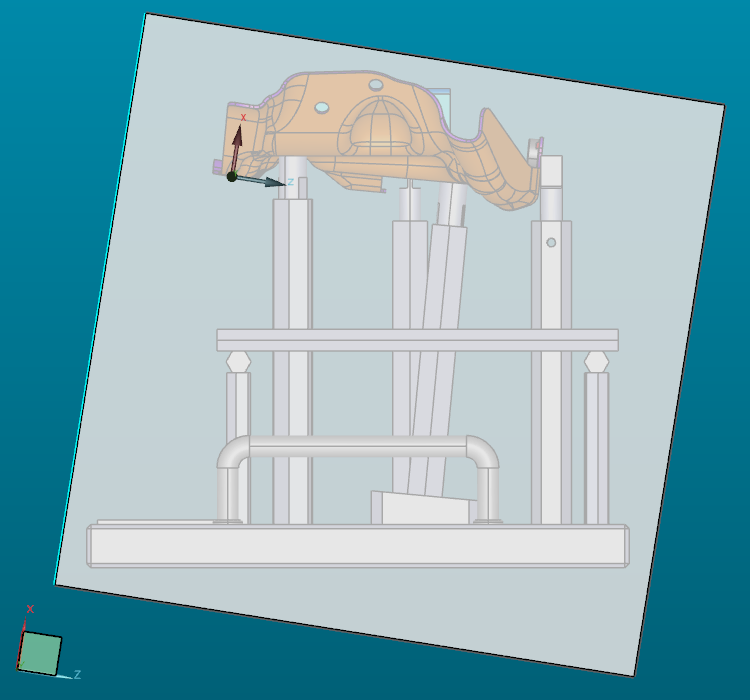
It is clear that I can hard modify the 3D data to get it into the "ideal" coordinate system, but that would mean doing it every time a customer sends me a new version of the 3D data, and that is not the best way to go.

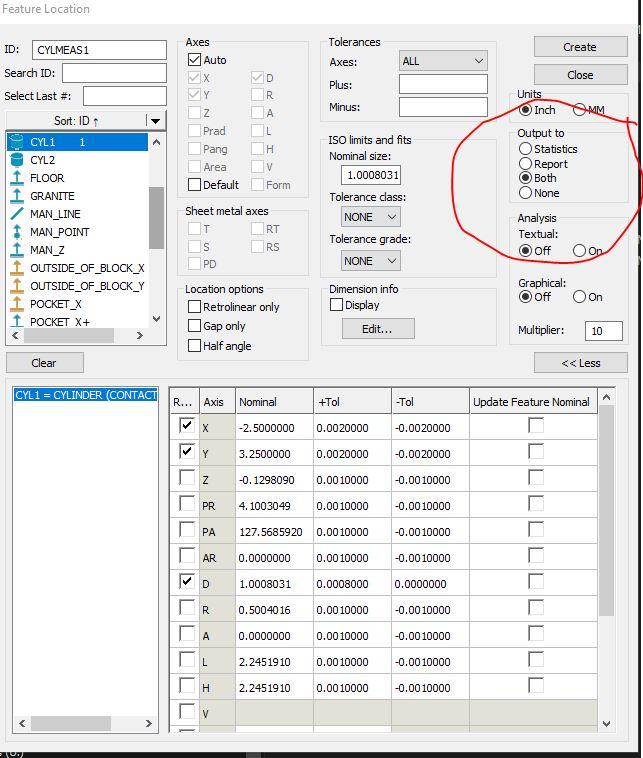

Auto Element Kreis auch mit Teil-Segmente wie an der Optiv (Punkte Auswahl Messbereich) /Auto element circle also with partial segments as at the Optiv (points selection measuring range)
Meine Idee wäre es bei Auto Element Kreis auch mit Teilsegmenten wie an der Optiv zu arbeiten (Punkte Auswahl Messbereich). Somit könnte man Messbereiche einfügen und separat definieren.
Meine Idee wäre, mit Auto Element Circle auch mit Teilsegmenten wie beim Optiv (Punkteauswahl Messbereich) zu arbeiten. So könnte man Messbereiche einfügen und separat definieren.

adding comments to cmm report
I want the ability to add comments to reports after a run to explain why some dimensions are red on the report, and to type in the dimension we get when measured manually.
I dont want the comments to stay there for the next run. So it doesn't function as a label only as a comment for the specific run.

Choose dimension color in edit window when elements aren't executed
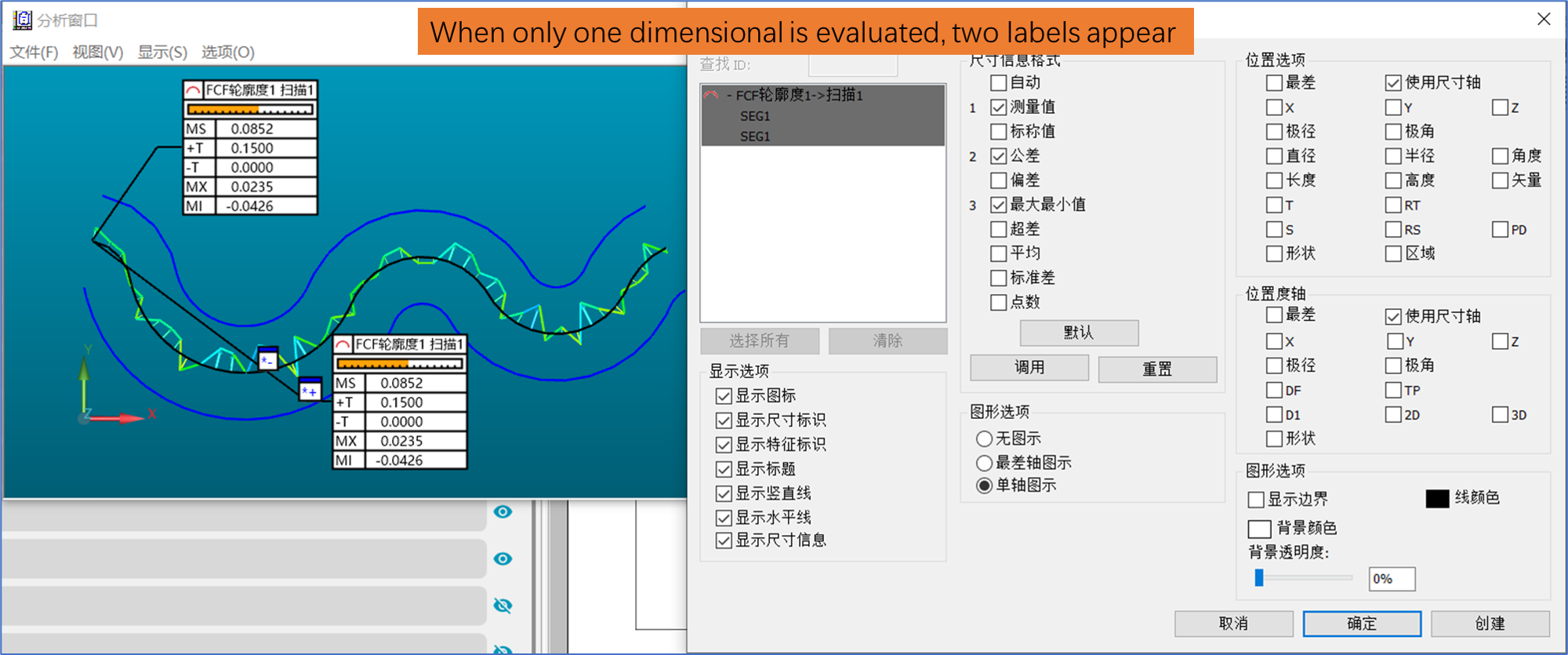
When a feature isn't executed, because of a partial execution, then the related dimension will turn red. This is confusing for the user, because you'll think the dimension has a out of tolerance.
Suggestion: Give another color than red for elements which are skipped.


Kundesupport af UserEcho

