Hexagon Measurement SystemsNo matter what Hexagon measurement equipment or software you use, we want to hear your ideas and suggestions on how we can improve.
Thanks for your assistance in helping us shape the future. |
|


 Add option to click on Feature in Pattern Setup
When in Pattern Setup add the option to click on a Feature to automatically fill in the offsets or center of rotation.

Radius True Position
What is the proper way to report a True Position on a Radius?
If "display as radius" is selected, the True Position is cut in half.
Example, If I measure the feature as a diameter the True Position is 0.6 but if I select "display as radius" the True Position is 0.3

part programm shifting size
Size Shift
Write a program and then use it for 3 larger parts without having to recreate it.
Enter a Shift/Magnification factor and the other programs will be adjusted automatically.


Move command visualation
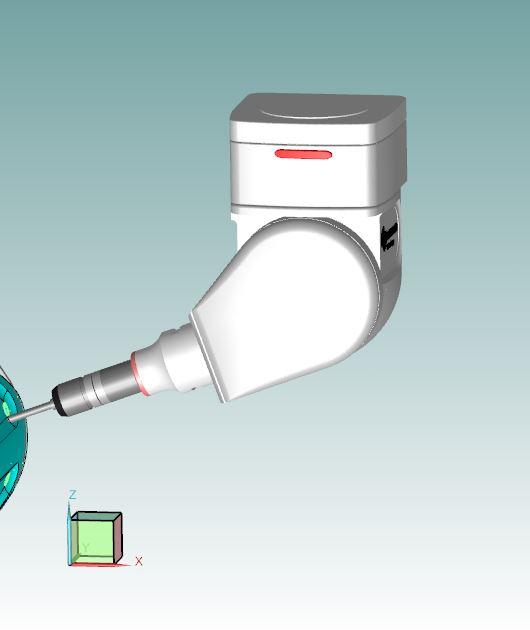
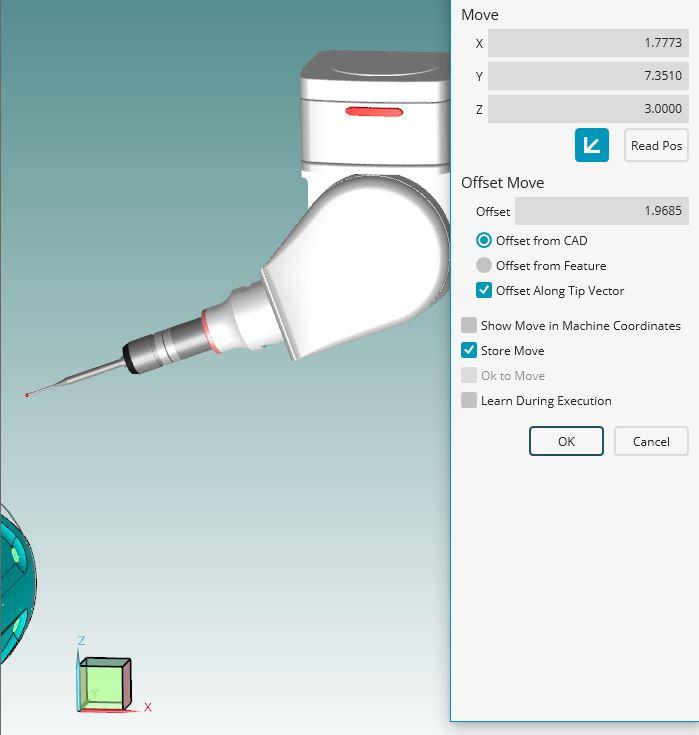
It will be more usefull if we can see the move point command visually. We need to press F9 (edit window) to see where will probe move.
1. picture: coordinates of the move point
2. picture: before pressing f9 probe's location
3. picture: after pressing f9 (edit window) true position of probe.
It will be more faster way to see which way probe will move.


Button for non-calibrated angles
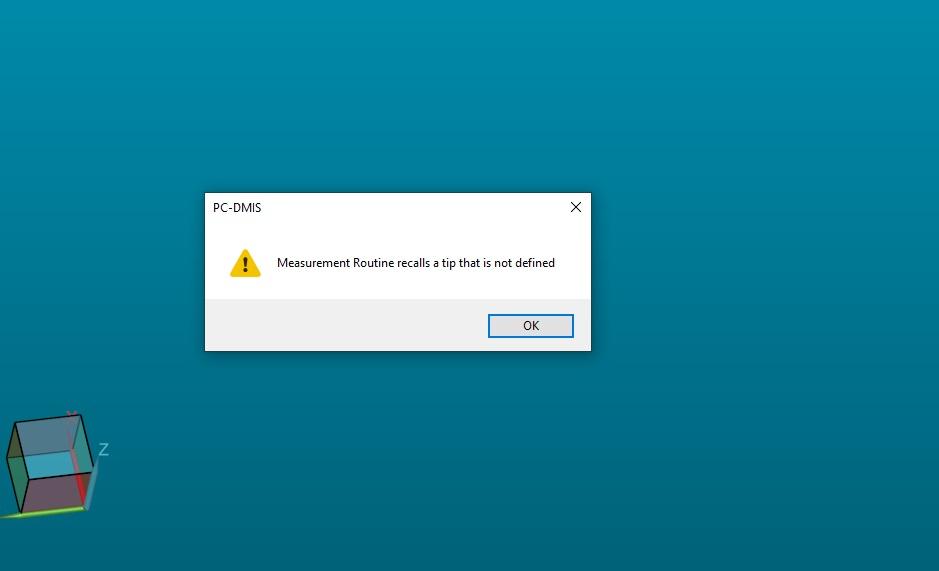
My machine has a tool charger that has eight tools. When I start the program from the server, the program tells me that I have some angles that are not calibrated. I then have to manually search the program and calibrate tool by tool. After that I have to exit the program
and to enter again to make sure that I have calibrated all the angles. It is necessary to put a button that, with one click, will mark those in the head that are not calibrated without exiting the program.



Hole or no hole
Sometimes, I like to check if there is a hole at the right spot, not its coordinates.
or when the left part has a hole, and the right part doesn't.
So could You make a function, that "dives" into a hole, with a depth that I type in, and move to the avoidance distance, before it continues with the next feature?
Dimension color
As a CMM programmer, who wants to help my CNC-programming colleges in the workshop, I'd like to have the graphical bar, and the dimension colors in the report to use the middle off the tolerance instead off using the Nominel value.
It would help the CNC-programmer a lot, when everything is "invisible", because that would be a sign for them, that they are in the middle of the tolerance-span.
As it is now, I get a green bar, when the hole is ø9.00 and the Nominel value is ø9.00 with a tolerance of -0.00/+0.100.
In my opinion, it should be yellow.
Service d'assistance aux clients par UserEcho

